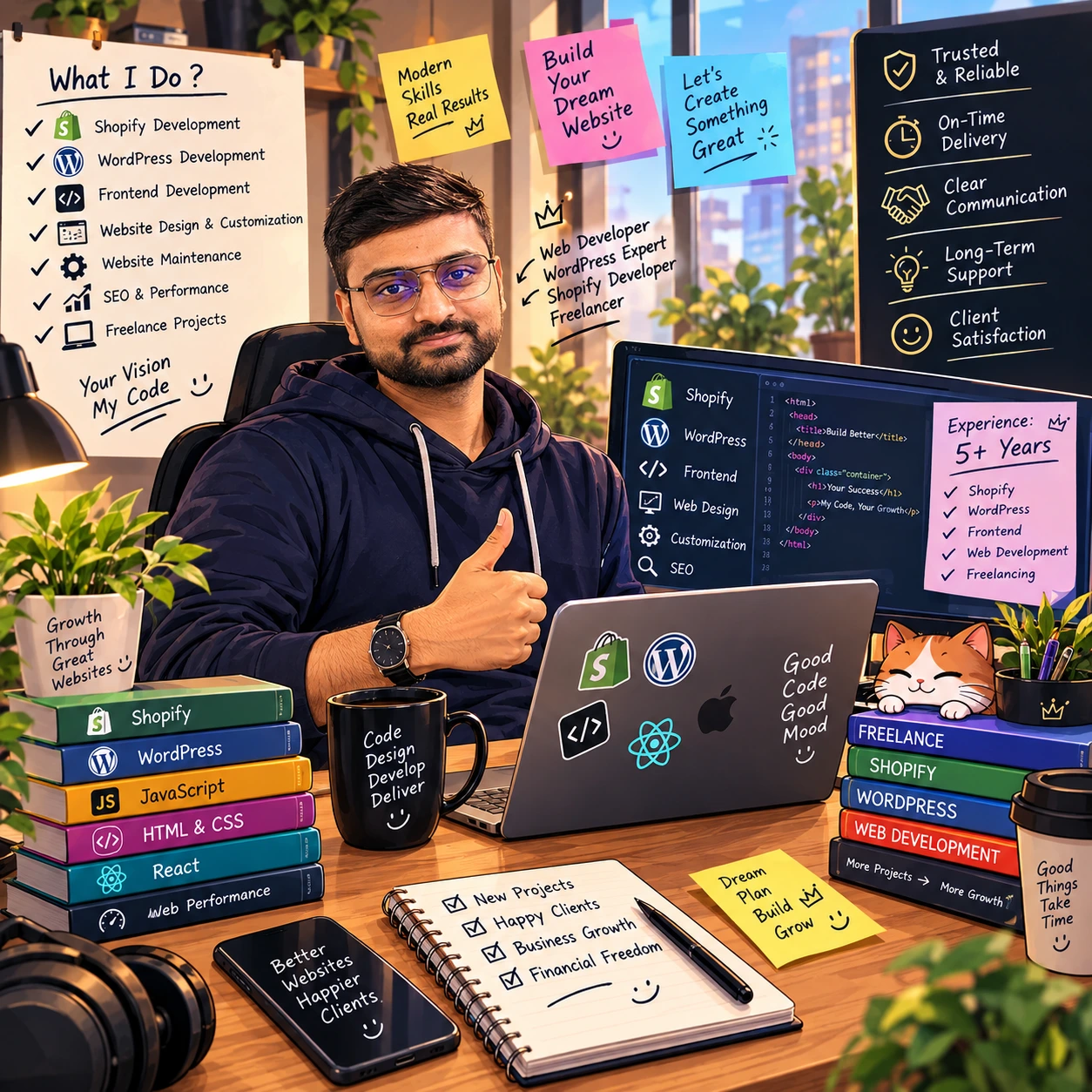
Bharat Rajoriya Freelance WordPress & Shopify Developer, New Delhii
I build fast, SEO-friendly WordPress and Shopify websites for businesses that want more enquiries and more sales. From a five-page company site to a full online store, you work directly with me, from the first call to launch day and after.
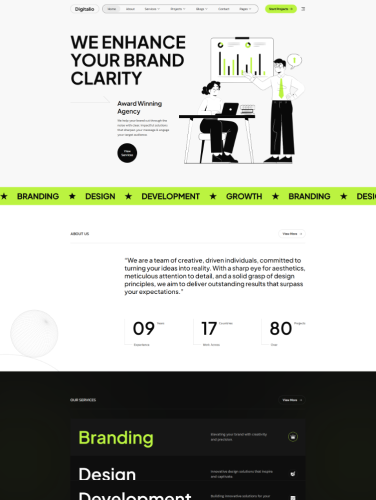
WordPress · Corporate / Infrastructure A multi-business group website covering wastewater management, real estate and allied services. Built for clear navigation across divisions, a strong corporate look and search visibility.
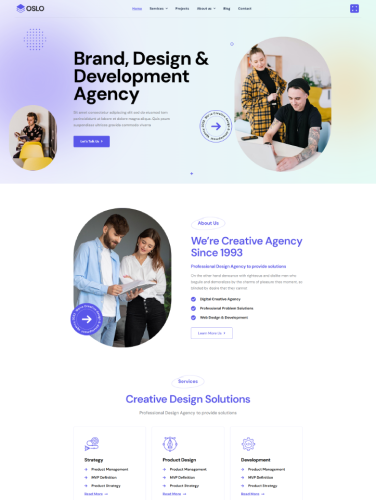
WordPress · Packers & Movers A lead-focused website for a relocation company, with service pages and enquiry forms placed where visitors decide to call.
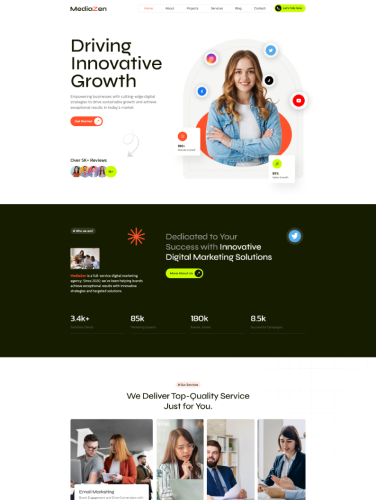
WordPress · Healthcare / AI A modern website for a healthcare technology brand that explains a complex product simply and builds trust with clear structure and visuals.
01 What does a freelance WordPress developer actually do?
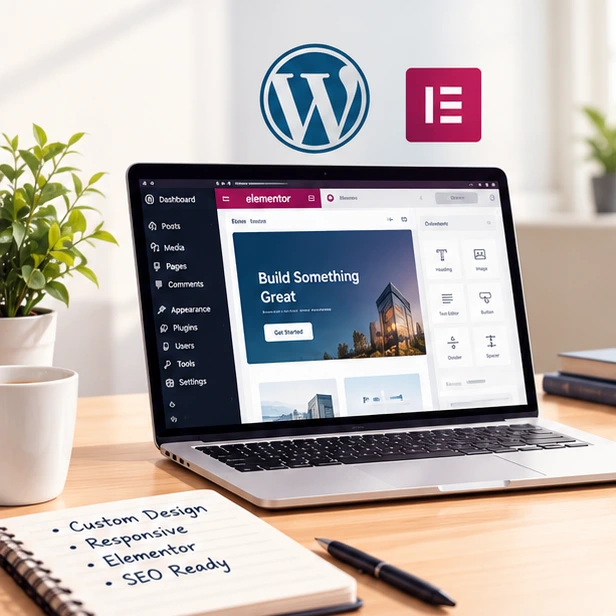
I plan, build, test and launch websites directly for the client, with no agency in between. On most projects that covers the sitemap and layouts, the theme code, the CMS setup, the content load, the handover training and whatever support you want afterwards.
02 How is working with a freelancer different from an agency?
You talk to the person doing the work. There is no account manager relaying your feedback, so answers come back the same day and small changes happen without a change-request process. Overheads are lower as well, which shows up in the quote.
03 How do I choose the right freelance developer?
Look at recent work and see whether the style fits yours. Read what past clients say about communication, not just the design. Then ask how they work: what the stages are, how long each takes, and exactly what the price covers. Anyone worth hiring will answer all of that before you commit.
04 How much does a custom WordPress website cost?
It depends on scope. A brochure site on a custom theme starts at ₹8,000, a larger business site with custom layouts and a blog from ₹15,000, and a WooCommerce or Shopify store from ₹30,000. Bigger builds cost more. Either way you get a fixed, itemised quote before anything starts.
05 How do you price a project?
Per project, not per hour. Send me a short brief and I will come back with one fixed price for the whole build, so your budget is settled on day one. Anything outside that scope is quoted separately and only started once you have approved it in writing.
06What is your payment schedule?
Usually split in two: 50% to begin, and 50% once the site is signed off on the staging server and ready to go live. Longer projects are broken into stage payments instead, agreed before we start.
07How long does it take to build a website?
A brochure site is normally two to four weeks. Larger builds and stores run four to eight weeks, sometimes longer. The biggest variable is how quickly content and feedback come back, and you get a stage-by-stage timeline before the first invoice.
08Do you work with clients outside Delhi?
Yes. Delhi is home and I meet local clients in person when it helps, but most work is remote – across India, and with clients in the UK, USA, Canada, UAE and Singapore. Shared staging links, scheduled calls and written updates mean the distance makes no practical difference.
09My site is slow. Can you fix it?
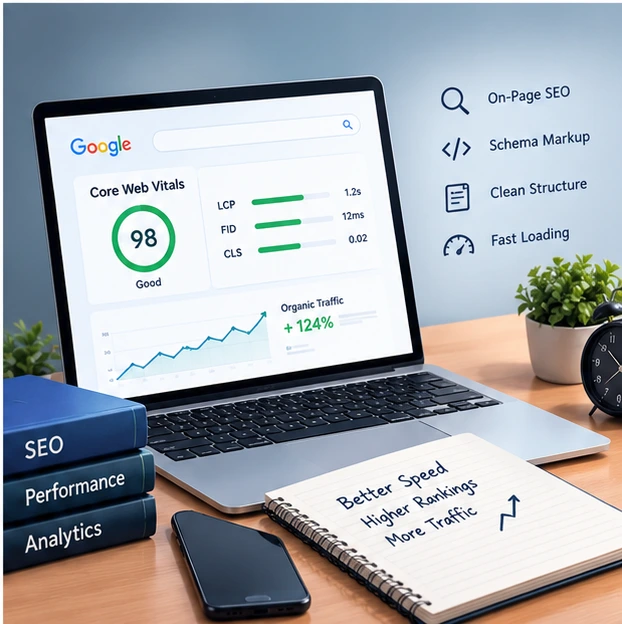
Yes. Slow WordPress almost always comes down to one of five things: too many plugins, unoptimised images, no caching, a bloated database, or underpowered hosting. I measure first and fix the one that is actually costing you rather than guessing. Core Web Vitals work can be booked on its own.
10Can you build a WooCommerce store?
Yes. Product and category templates, checkout flow, payment gateways such as Razorpay, PayU and Stripe, shipping and tax rules, stock handling, and performance tuning for large catalogues. Shopify or Magento instead if those suit you better. Training handover is included so you can run the store yourself.




Outstanding & Creative Wrk
" Bharat is the best WordPress developer I’ve worked with – professional, reliable, and delivers excellent websites. Highly recommended! " Raji